You haven't signed in yet, you can have a better experience after signing in
*Please complete the payment within {{receiveCouponInfo.expire_at}}Previous use*
You haven't signed in yet, you can have a better experience after signing in



Activity Rules
1、Activity time:{{ info.groupon.start_at }} ~ {{ info.groupon.end_at }}。
1、Activity time:cease when sold out。
2、Validity period of the Group Buying:{{ info.groupon.expire_days * 24 }} hours。
3、Number of Group Buying:{{ info.groupon.need_count }}x。
Please Pay Attention
1、Teamwork process: Join/initiate a Group Buying and make a successful payment - Within the validity period, the number of team members meets the activity requirements - Group Buying succeeded!
2、If the number of participants cannot be met within the valid period, the group will fail, and the paid amount will be refunded in the original way.
3、The number of people required and the time of the event may vary among different products. Please pay attention to the rules of the event.

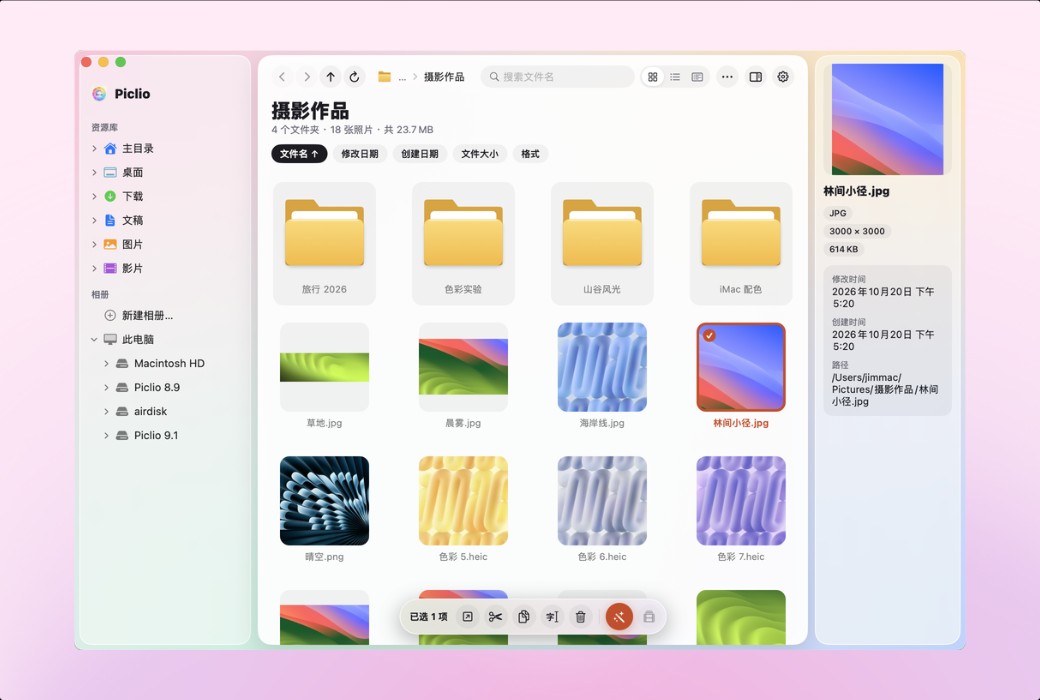
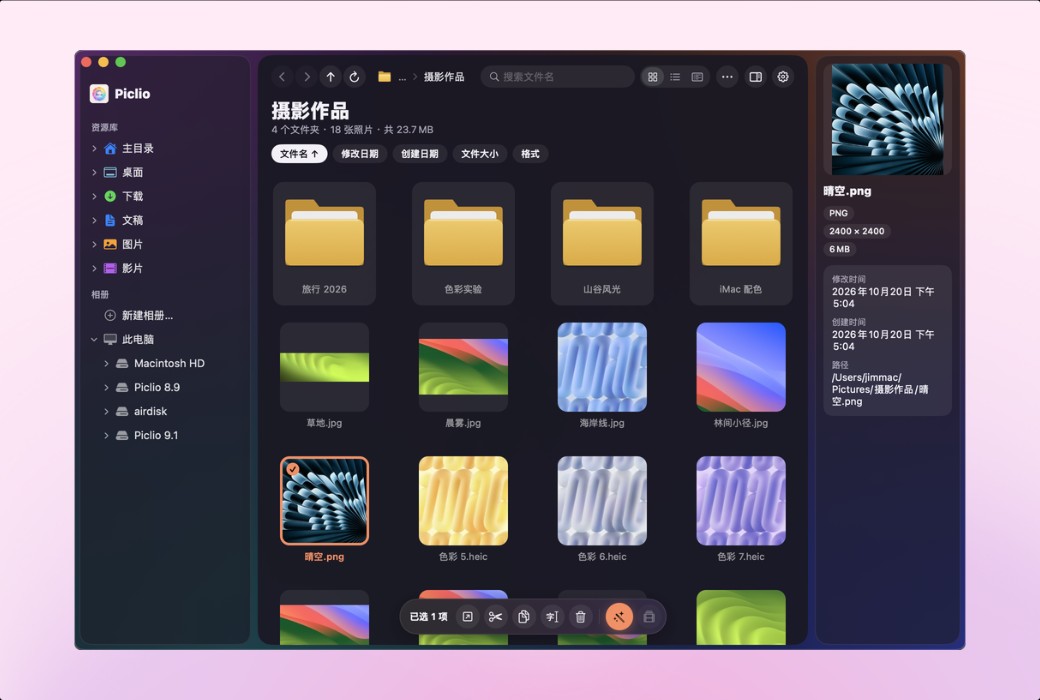
Piclio is a cross platform image viewing software that supports macOS and Windows, with operating habits consistent with Windows image viewing software. Provide folder thumbnail browsing, lightweight photo editing, batch processing, watermarking, EXIF viewing and other functions, with local processing throughout the process to protect privacy.
Features
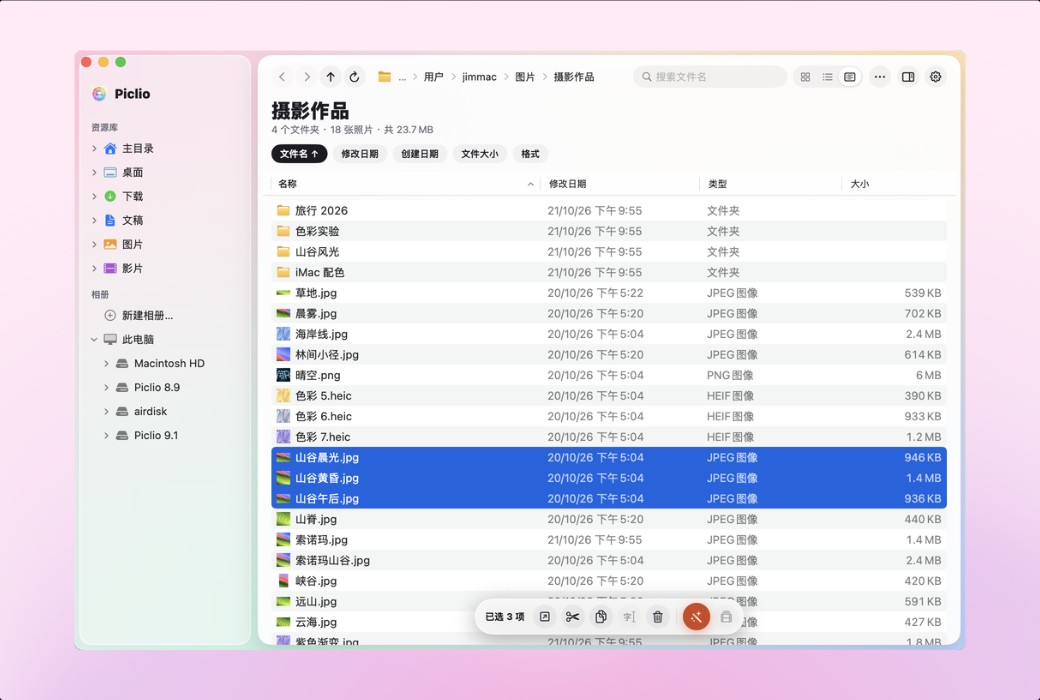
Click on breadcrumbs in the address bar to jump, and enter the path in the blank space; Sort the column titles in the detailed information view, and remember the column width; Drag and drop to move or copy, choose one of three when files with the same name conflict; The commonly used folders are fixed in the sidebar. Supports iCloud, Google Drive, OneDrive, Dropbox, and NAS network drives.
Move, rename, delete, create new folders, batch process, all can be undone with ⌘ Z. The deleted files are put in the trash can, and if accidentally deleted, press ⌘ Z to retrieve them. I will ask you before overwriting the original image, and once overwritten, it can also be undone.
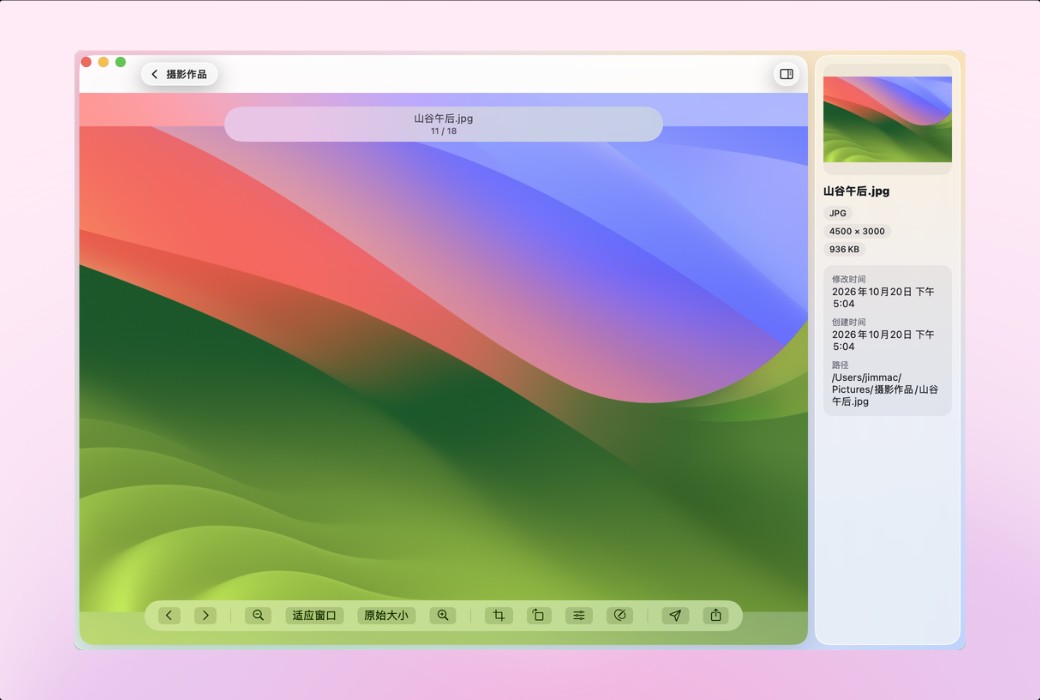
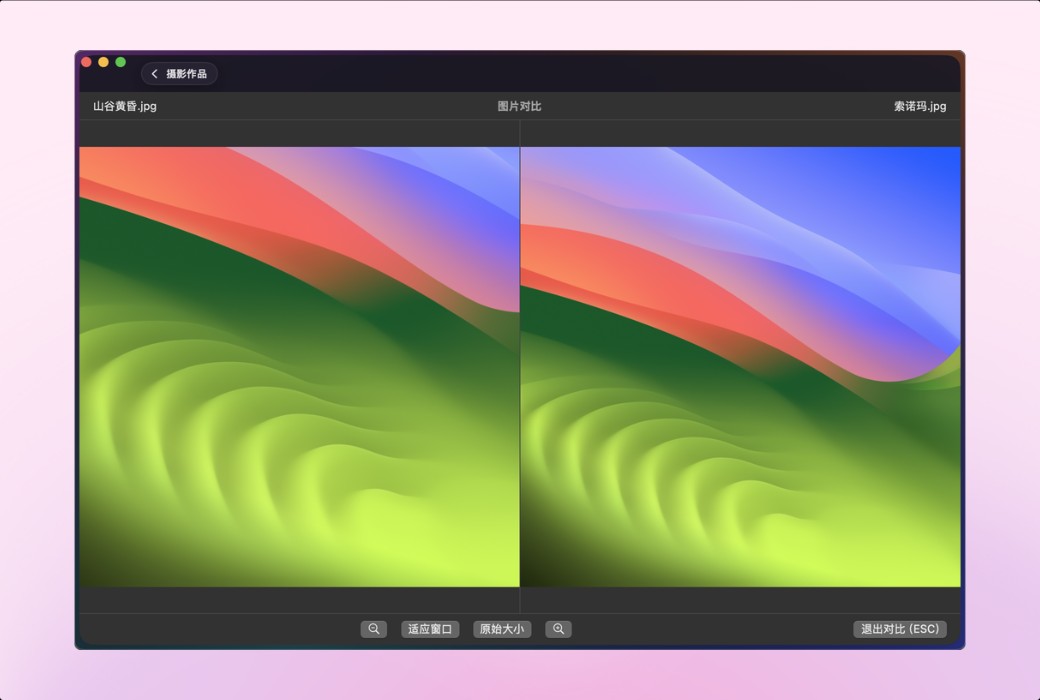
Select a folder to display thumbnails, supporting JPG/PNG/HEIC/WebP/GIF/TIFF and common RAW files. Double click to view large image, use directional keys or scroll wheel to flip pages, use ⌘+scroll wheel or pinch with two fingers to zoom in and out, and switch between adapting to the window and the original size with just one click. The information panel displays dimensions, size, time, and path.
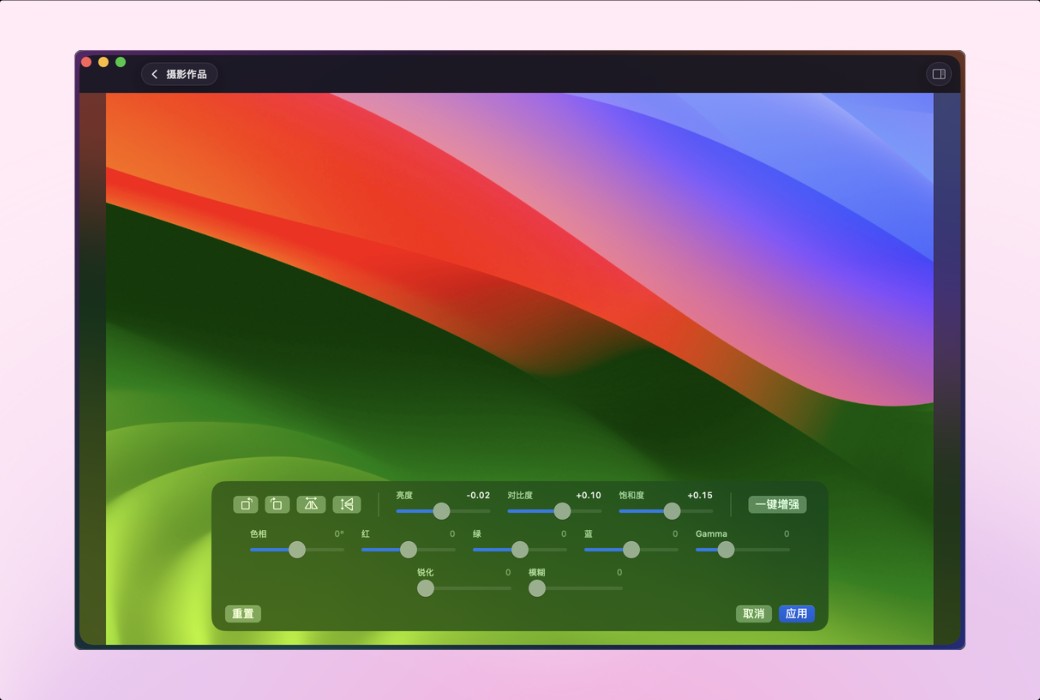
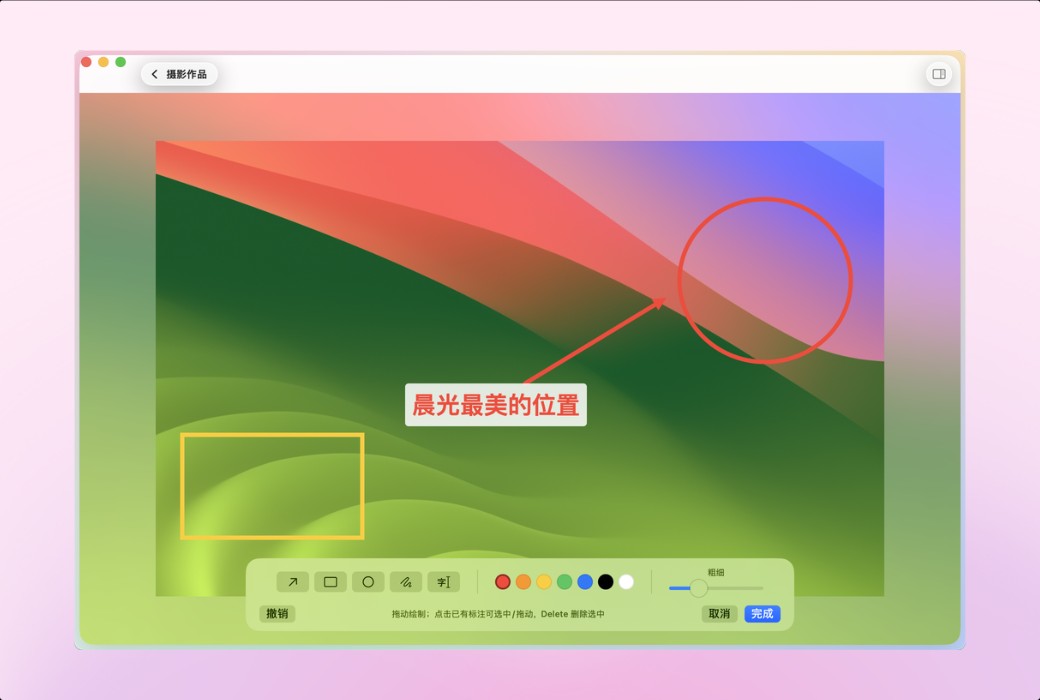
Crop, rotate, flip, brightness/contrast/saturation, hue, color balance, sharpening/blurring, one click enhancement, as well as arrows, rectangles, ellipses, and text annotations. Save in your own way: always save a copy or overwrite the original image for each inquiry.
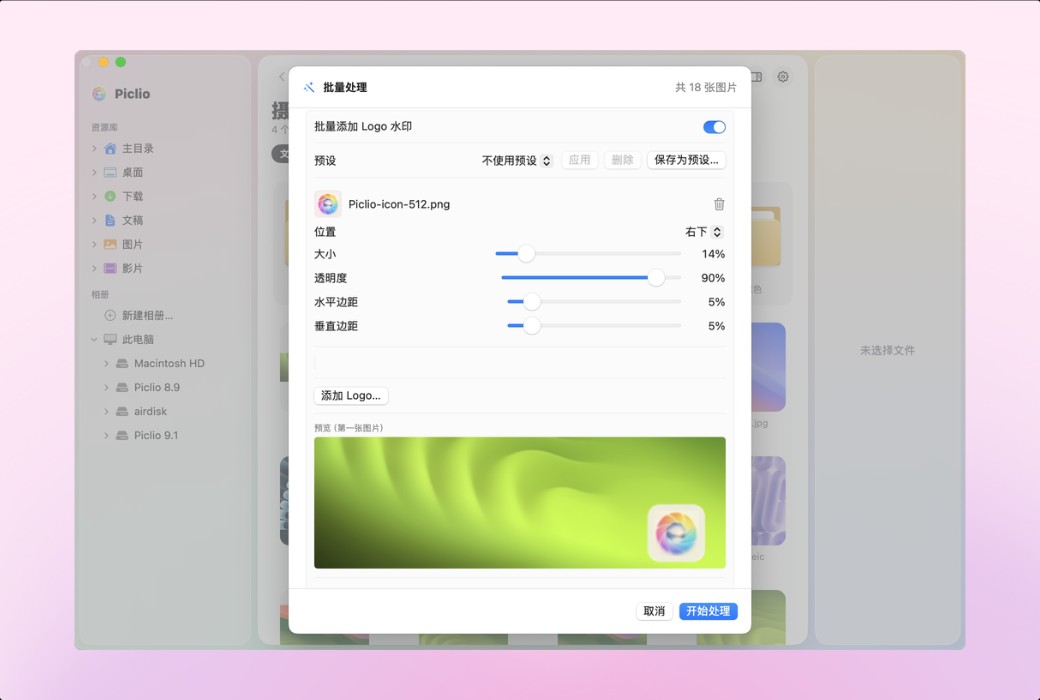
Convert, resize, compress, and rename an entire folder of images at once (JPG/PNG/WebP/HEIC/TIFF/AVIF/GIF). Logo or text watermark supports multiple layers, nine grid positioning, and transparency adjustment. Common schemes are saved as presets and previewed in real-time before processing.
MP4, MOV and other common videos can be played directly, with adjustable speed (Pro can also rotate, trim, clip, and compress). The album categorizes photos by theme, only records their location, and does not move or modify the original files.
Difference from Mac's built-in tools
Free version and Pro
Target Audience
Official website:https://yczlabs.com/zh/products/piclio/
Download Center:https://piclio.apsgo.cn
Shipping time:24-hour automatic shipping
Operating Platform:macOS、Windows
Interface language:Switch between Simplified Chinese/Traditional Chinese/English in the settings.
Update Description:One purchase, no subscription required, subsequent versions can be upgraded for free.
Trial before purchase:Free trial is available before purchase.
How to receive goods:After purchase, the activation information will be sent to the email address at the time of placing the order, and the corresponding product activation code can be viewed in the personal center, My Orders.
Number of devices:Can install 2 devices.
Replace computer:Uninstall the original computer and activate the new computer.
Activation guidance:Open Piclio, select the menu "Piclio › Piclio Pro..." and enter the activation code to activate.
Special note:To be added.
reference material:https://yczlabs.com/zh/products/piclio/

Any question